QR code and invitation link
A QR code or a link, and your partner joins your agreement
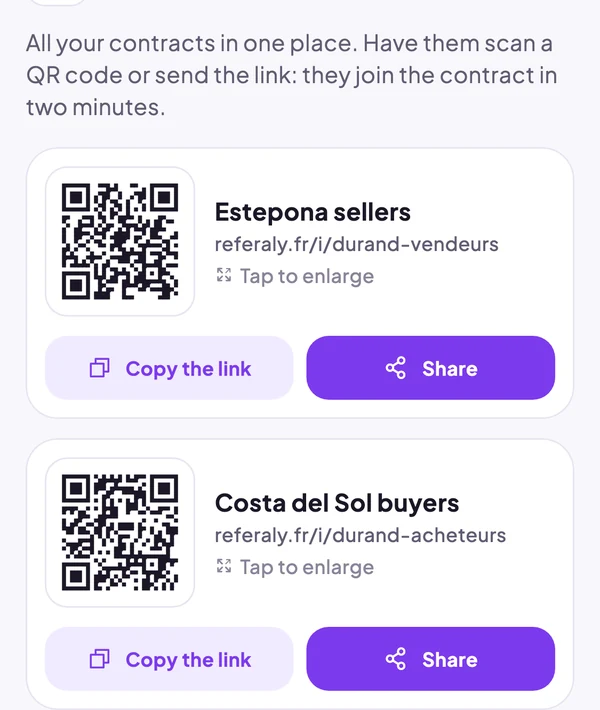
Each referral agreement has its own link and QR code. Show it in a meeting or send it by text: your partner accepts the agreement from their phone, without installing the app if they prefer.
Free plan, no card needed. Paid plans with no lock-in.
Share your agreement the way you like
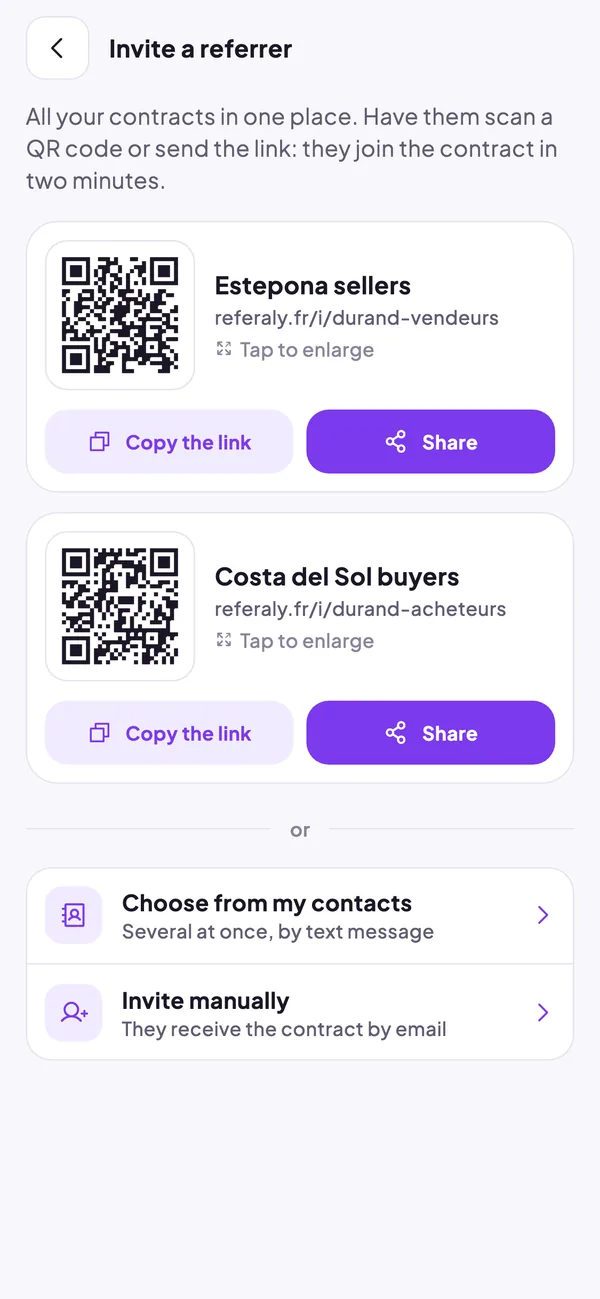
On the “Invite a referrer” screen, each agreement has a QR code to scan and a link to copy or share. You can also pick several people from your contacts and text them the invitation, or add a partner by hand: they get the agreement by email.
- A QR code and a link for each agreement
- Several invitations at once, by text, from your contacts
- Email invitation for partners you add yourself
Your partner signs up on a single page
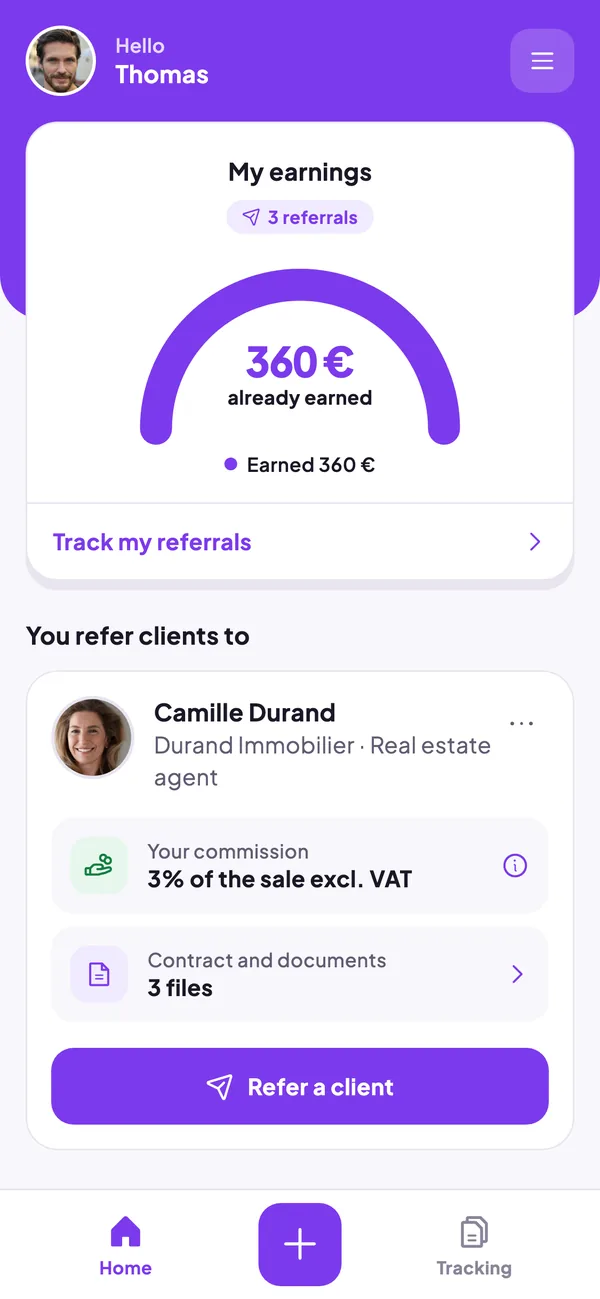
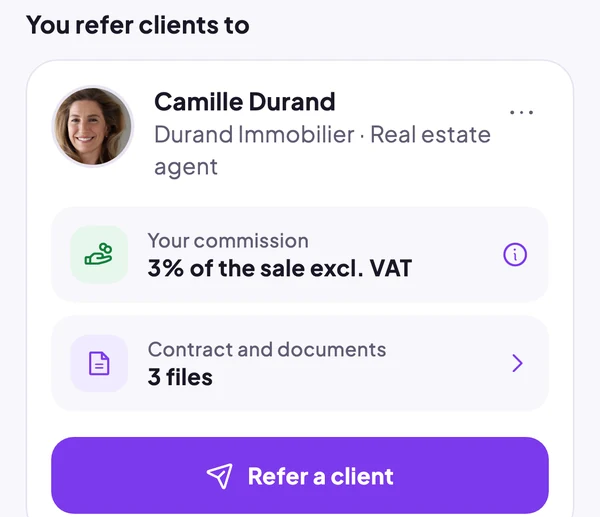
The link opens a short page: first name, phone or email, and a box to accept the agreement, readable as a PDF. If they already have the app, the link opens it. Their home screen then shows your agreement, their commission and your documents.
- Nothing to install to accept the agreement
- The agreement is accepted before the first lead
- You are notified as soon as they join
Which plan includes it?
The link and QR code are included in the free plan, with no limit on sign-ups through them. The free plan includes one agreement and up to 3 partners added by hand.
Start your referral partner network today
Create your account and your first referral agreement in a few minutes, or see the app on your own case with us.